
 TapToConnect
A month ahead.
In one afternoon.
Put all your posts in one calendar, choose the right format per channel and let Socialschedulr publish them on time. Even when you're away.
Your whole month at a glance.
All scheduled and published posts from all your channels are in one monthly overview. The colour tells you straight away where things stand.
- Click a day to schedule a post right there
- Notes on a day, like 'campaign starts' or 'shop closed'
- Holidays and campaign days for the Netherlands and Belgium, from King's Day to Black Friday
- View your Instagram grid with the posts still to come
- Share your schedule with a client, who can approve through the same link
Write it once. Adjust where needed.
Pick your channels and write one text. Want to sound more businesslike on LinkedIn than on Instagram? Give that channel its own text.
- Preview per channel of how your post will look
- Character counter per platform, from X to YouTube
- Clear message when something is still missing
- Restore an unsaved new post with one click
Post, Reel, story, Short.
Choose per channel what kind of post it becomes. Socialschedulr checks whether your photos and videos meet that platform's requirements.
| Channel | What you can post |
|---|---|
| Post with photos or video, Reel, story | |
| Photo, carousel of up to 10 photos and videos, Reel, story | |
| Post with text, link and photos, on your profile or company Page | |
| TikTok | Video |
| X | Post with up to 4 photos or 1 video |
| YouTube | Video or Short |
Settings per channel.
Everything a platform asks of you, you fill in within Socialschedulr. No need to open the platform's own app.
YouTube
Title, visibility (public, unlisted or private), made for kids, category, tags, your own thumbnail and whether subscribers get a notification.
TikTok
Who can see your video, whether others may comment, Duet or Stitch, and labels for commercial content and AI-generated videos.
Choose whether your Reel also appears in your feed, give it its own cover and preview your grid with the posts still to come.
Set it up once. On time every week.
A weekly tip on Monday, your opening hours every Friday or a monthly vacancy: let a post come back daily, weekly or monthly, until a date you choose or until you stop it.
How it works in the help centreA whole campaign in one go.
Put your posts in a spreadsheet: per row the date, time, text and channels, and optionally a link, a photo from your library and the post type. Upload the CSV file and up to 200 posts land in your calendar at once, scheduled or as drafts.
How it works in the help centreOn your phone too.
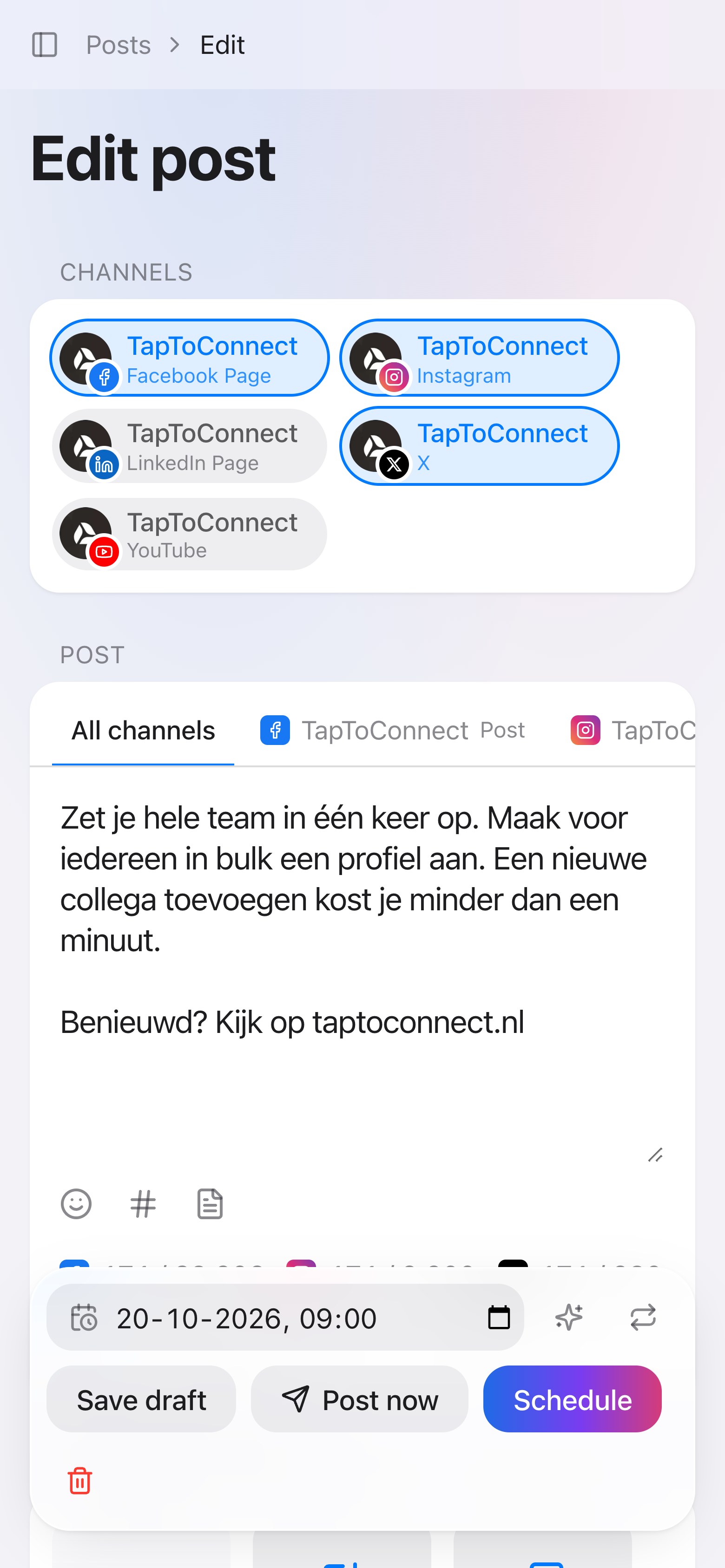
Socialschedulr works in your phone's browser, no app needed. There your calendar is a clear list per day, and quickly editing a text or scheduling a post between two meetings just works.
You can count on it.
Scheduling only feels good when you no longer have to keep an eye on it.
Right on the minute
Posts go live exactly at the scheduled moment, on all channels at once.
Automatic retry
If a platform hiccups, we try a few more times ourselves. If it still fails, you see exactly why.
Trash
Deleted a post by accident? It stays in the trash for 30 days and you restore it with one click.
More about the trash