
 TapToConnect
30 content ideas
for your business.
For the moments you stare at an empty screen.
Behind the scenes
- Your workplace at 8 in the morning
- A product in the making
- A supplier visiting
- How you pack an order
- A mistake you made and what you learned
Team
- Introduce a colleague
- A colleague’s first year
- What the team has for lunch
- A birthday or anniversary
- A vacancy
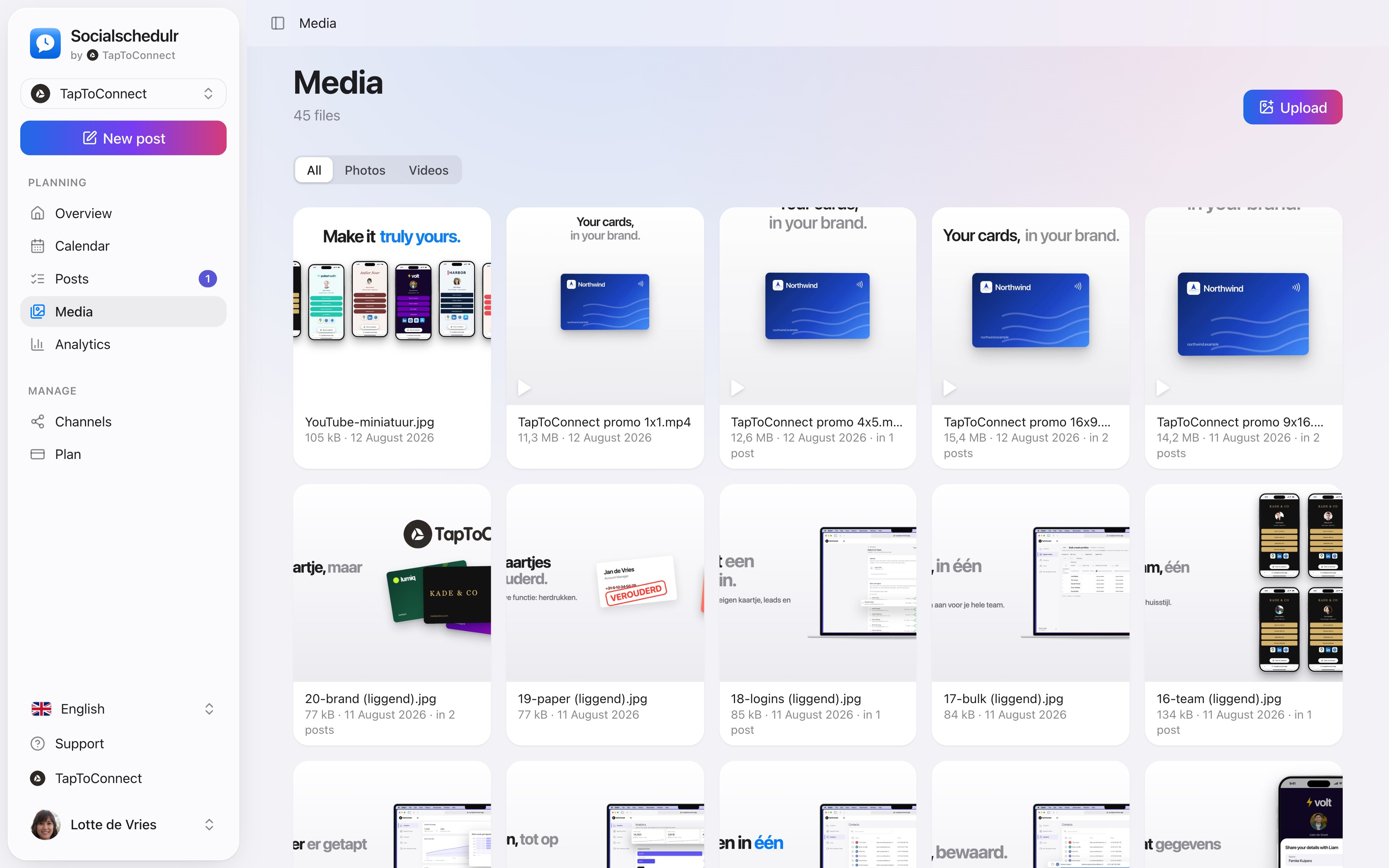
The media library with a company’s photos and videos
Customers
- A customer case (with permission)
- A review
- A customer question answered
- Before and after
- Thanking a customer
Knowledge
- Three tips about your trade
- A myth busted
- A term explained
- A step-by-step plan
- A common mistake
Topical and seasonal
- A holiday
- The weather and what it means for your customers
- A local event
- New in
- A look back at the month
Interaction
- A poll or question
- This or that?
- Guess the product
- Finish the sentence
- What would you like to see more of?
From idea to post
Pick five ideas from this list that suit your business and spread them over the next two weeks. Create the photos or videos in one go, for example on a quiet morning, and put them in your media library. After that, each post takes only a few minutes.
Keep track of which ideas do well. Analytics shows the reach and engagement per post. Repeat what works in a different form.
How to do this in Socialschedulr.
All your photos and videos in one place.
Upload your images once and use them in as many posts as you like. For each file you see how many posts already use it.
- Photos and videos, filtered by type
- Upload from your computer or phone
- Pick straight from the post editor
Your whole month at a glance.
All scheduled and published posts from all your channels in one monthly view. The colour tells you straight away whether something is scheduled, published or still a draft.
- Click a day to schedule a post right there
- Notes on a day, such as ‘campaign starts’ or ‘shop closed’
- Holidays and special days for the Netherlands and Belgium
- Schedule a post on any day from the calendar
Posts and calendar.
Spoken and subtitled in English. You will find more videos in the help centre.
Try it yourself.
All your socials in one calendar. Free for 14 days, no payment details. After that, pick a plan or carry on for free.