
 TapToConnect
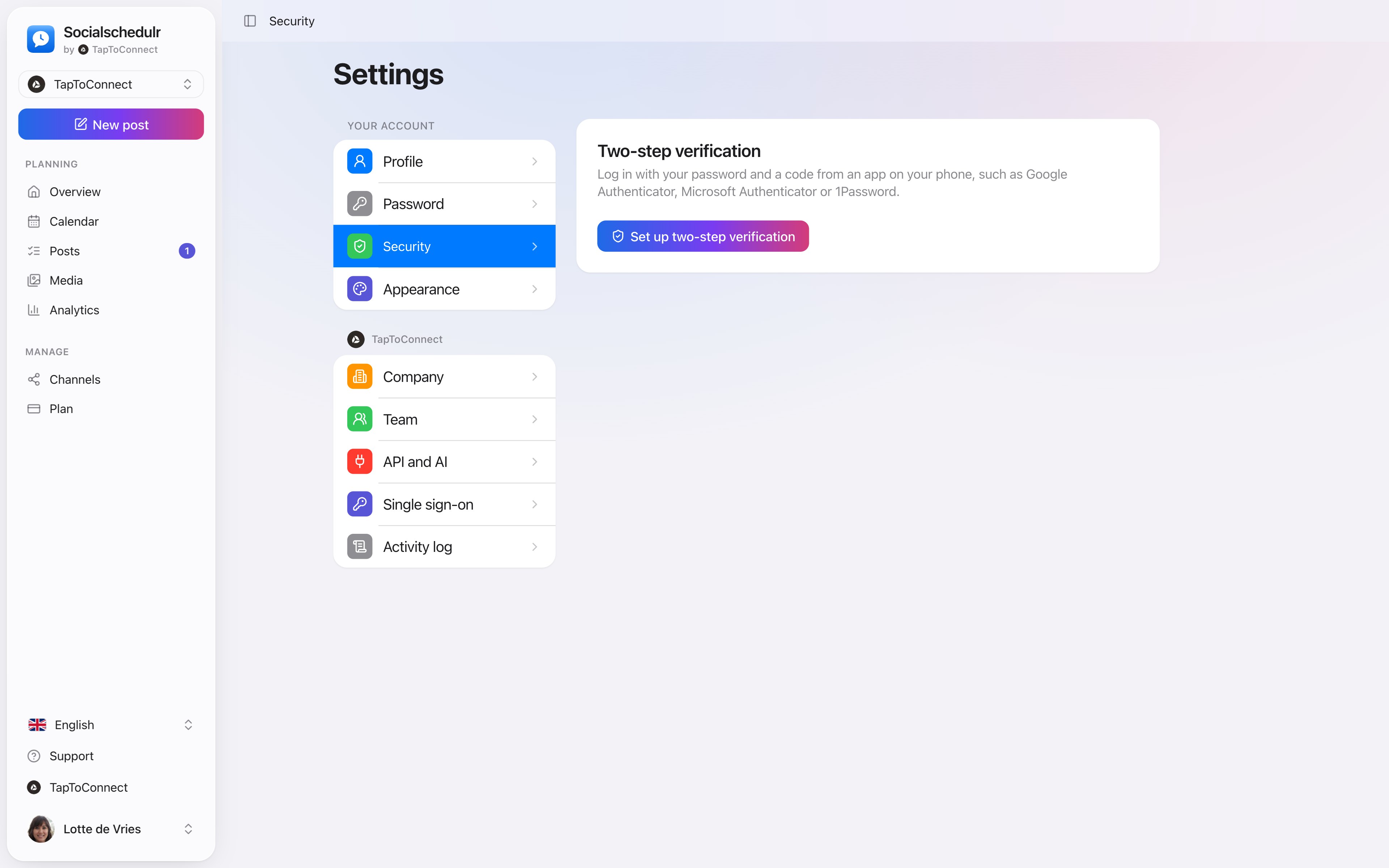
Two-step verification.
An extra lock on the door.
With two-step verification you log in with your password and a code from an app on your phone. If someone gets hold of your password, they still cannot get in.
In short
- Works with Google Authenticator, Microsoft Authenticator, 1Password and other apps
- 8 recovery codes in case you lose your phone
- Can be made mandatory for everyone in your company
- The activity log shows who turned it on or off
How it works.
- 1
Install an app
For example Google Authenticator or 1Password.
- 2
Scan the QR code
Settings, Security, Set up two-step verification.
- 3
Keep your recovery codes
In a safe place, such as your password manager.
Mandatory for your whole team
As owner or admin, turn on Require two-step verification under Settings, Company. Team members without two-step verification are taken to Security first after logging in. Only once they have set it up can they continue.
Step by step
You will find a detailed explanation with every button in the help centre: read the article.
A password alone is not enough.
Log in with your password and a code from an app on your phone. As owner or admin you can make it mandatory for your whole team.
- Works with Google Authenticator, Microsoft Authenticator or 1Password
- 8 recovery codes in case you lose your phone
- Can be made mandatory per company
Team and approval.
Spoken and subtitled in English. You will find more videos in the help centre.
See it in action.
A few parts of Socialschedulr that fit this topic, shown with sample data.
Your best moment
From your own numbers: three suggested moments, picked in one click.
A report with your logo
In your client's inbox every month, automatically, white label too.
Try it yourself.
All your socials in one calendar. Free for 14 days, no payment details. After that, pick a plan or carry on for free.